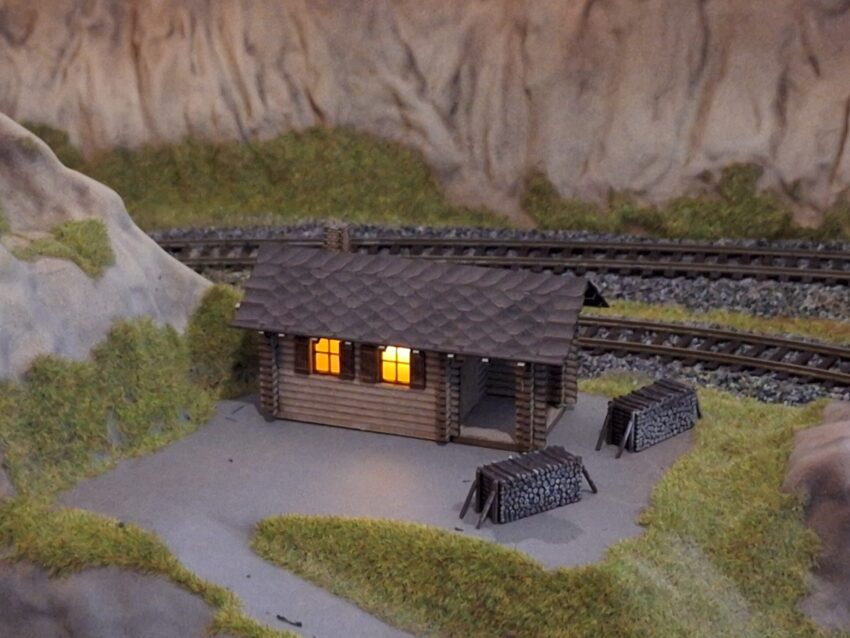
Lighting plays an important role in the appearance of the model. Controlling it using Arduino and relays is possible, but once you want to configure colors and brightness, the complexity increases. Home Assistant (HA) already supports many devices and allows you to manage scenes: WiFi/ZigBee bulbs, switches, and ESPHome. The final result is that from a mobile device or web interface, you can manage switches, lights, sounds, etc.
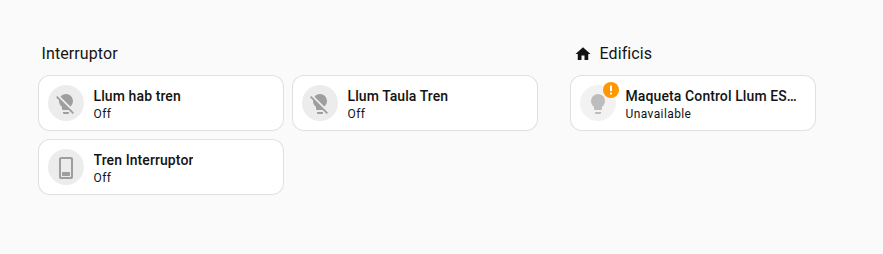
Ambient lighting
Ambient lighting is simple. I bought ZigBee/WiFi bulbs and added them to Home Assistant (HA). It allows you to simulate warmer days or evening/night by adjusting color and brightness.
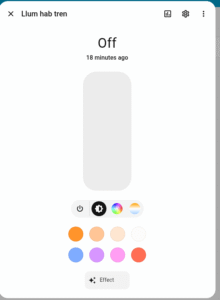
Building lighting
I decided to use ESP32 hardware because it significantly reduces wiring thanks to WiFi. The ESP32 pins are controlled from Home Assistant and support PWM output, not just ON/OFF. This option allows adjusting brightness without changing resistors and even creating coordinated animations. The connections are (Resistor, LED, and 5V power supply):
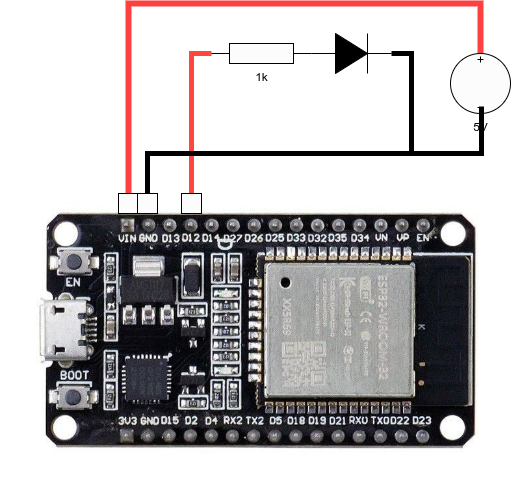
To configure the pin as a light from Home Assistant, I used this ESPHome configuration. To add more inputs, you simply need to add pins in the “outputs” section and outputs in the “light” section:
esphome:
  name: maqueta_control_llum

esp32:
  board: esp32dev
  framework:
    type: esp-idf

# Enable logging
logger:

# Enable Home Assistant API
api:
  encryption:
    key: !secret api_encryption_key

ota:
  - platform: esphome
    password: ""

wifi:
  ssid: "Z21_WiFi"
  password: !secret wifi_password


  # Enable fallback hotspot (captive portal) in case wifi connection fails
  ap:
    ssid: "Ha-Bluetooth Fallback Hotspot"
    password: "XXXXX"

output:
  - platform: ledc
    pin: GPIO19
    frequency: 1000 Hz
    id: pwm_out

light:
  - platform: monochromatic
    name: "ESP32 PWM Output"
    output: pwm_out
In case of adding more conections to the ESP32 it later be updated within home assitant, no need to use USB.